
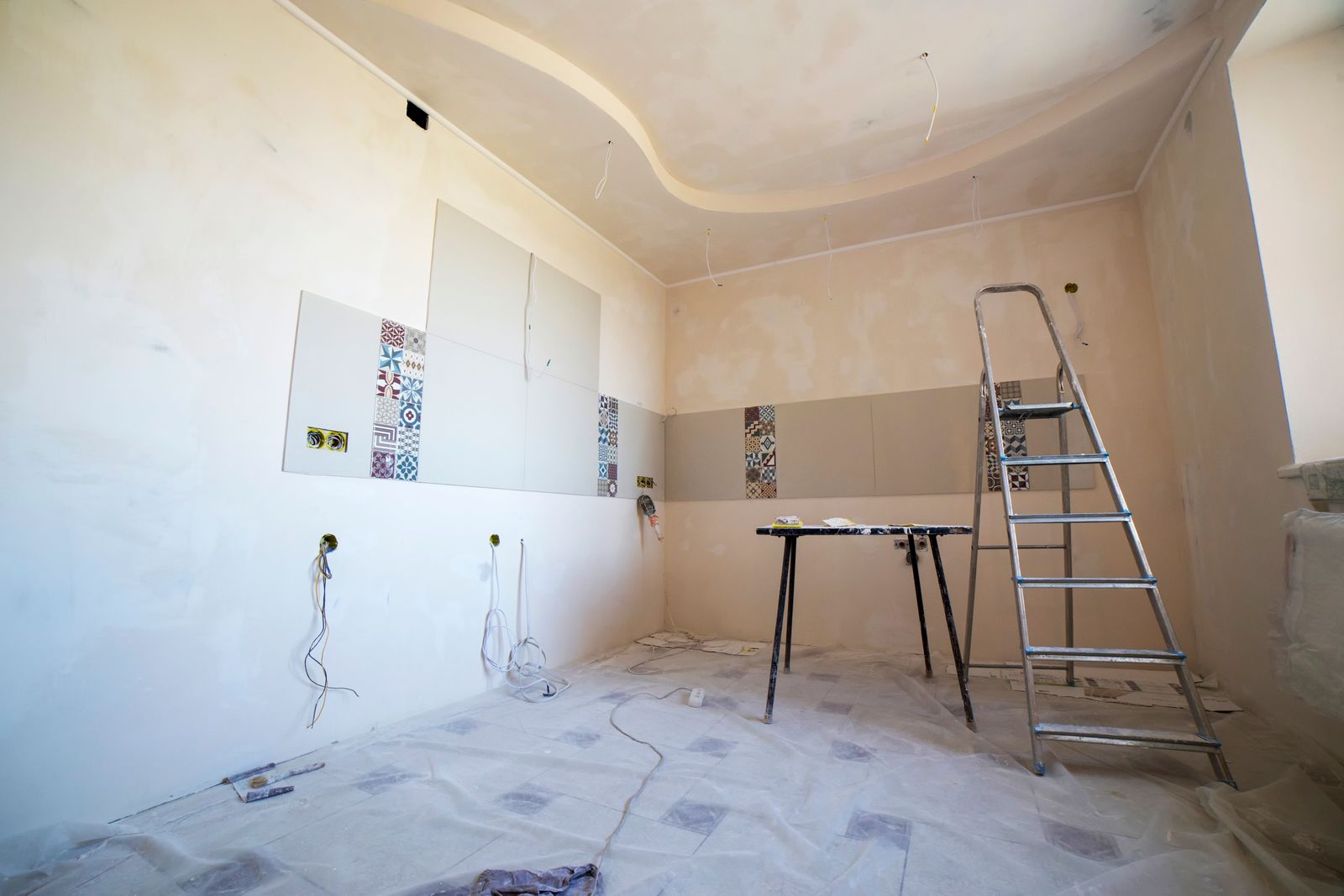
Turn the plan
into a finished property.
Organize renovation scopes, budgets, quotes, contractors, schedules, progress, changes, inspections, and completion records in one connected workspace.
Begin from what you already have
No duplicate property creation. Build connects to your existing StayMohr data and fills in what it can.
Build project types
From a single bathroom to a full akiya restoration. Each type generates an appropriate scope, phase plan, and professional checklist.
From scope to completion
Choose the property
Start from an owned property, Studio design, Discover listing, inspection, or manual entry.
Define the scope
Organize work by room, phase, and trade. Flag what requires professionals versus what helpers can handle.
Organize phases and budget
Set phases from investigation to completion. Build a detailed budget with source attribution for every line.
Find and compare professionals
Request quotes from contractors, architects, and specialists through StayMohr Services.
Track schedule and progress
Set milestones, receive photo updates, and monitor work remotely or on-site.
Handle issues and changes
Log issues, submit change orders, and record every decision with audit history.
Inspect and complete
Schedule inspections, work through the punch list, confirm final costs, and accept completion.
Preserve the history
Push completed work, warranties, and documents into your permanent Property Passport.
Scope organized by category, room, and phase
Every work item is categorized, prioritized, and flagged for the right professional level — from licensed electrical work down to helper-appropriate assembly.
Safety / Structural
Building Systems
Building Envelope
Interiors
Rooms
Exterior / Land
Setup / Furnishing
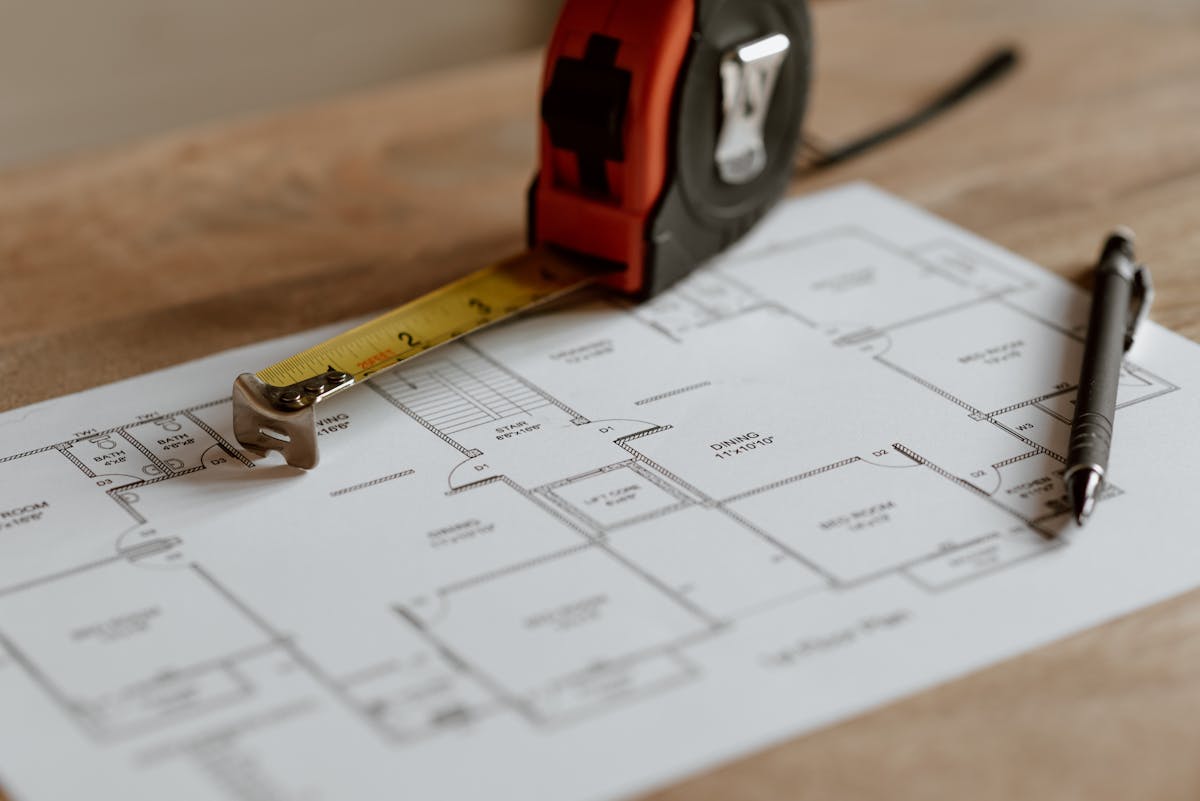
Default phases
Phases are planning guidance. Professional confirmation is recommended before finalizing sequencing.
Every yen accounted for
Build tracks original budget, approved changes, committed costs, quotes, actuals, and forecast at completion. Every entry is labeled by source — StayMohr estimate, professional quote, invoice, or paid expense.
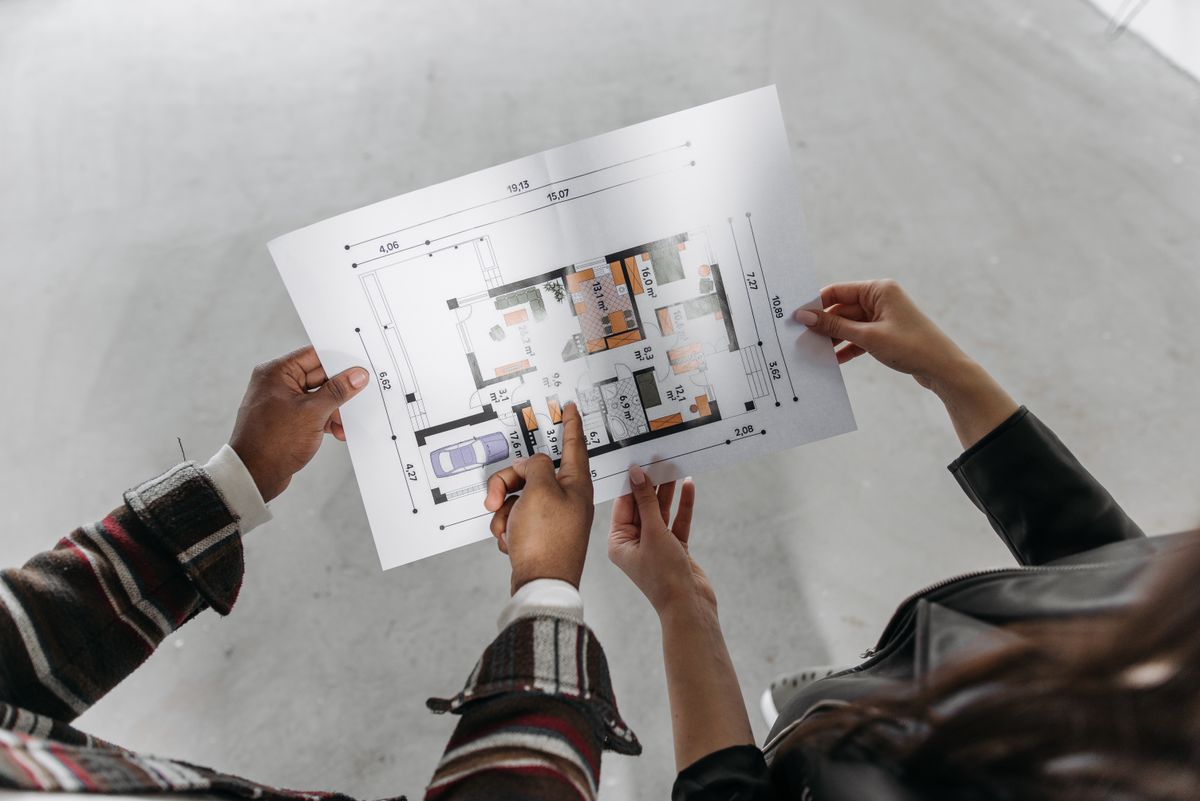
Manage the build even when you are not in Japan.
Photo updates, decision requests, document sharing, quote review, schedule tracking, and remote approvals. Local helpers can visit the site, take photos, and coordinate with contractors on your behalf.
Track every update. Record every decision.
Progress updates by phase, room, or scope item. Issue tracking with severity, budget impact, and resolution. A permanent decision log so nothing gets lost — especially for remote owners.
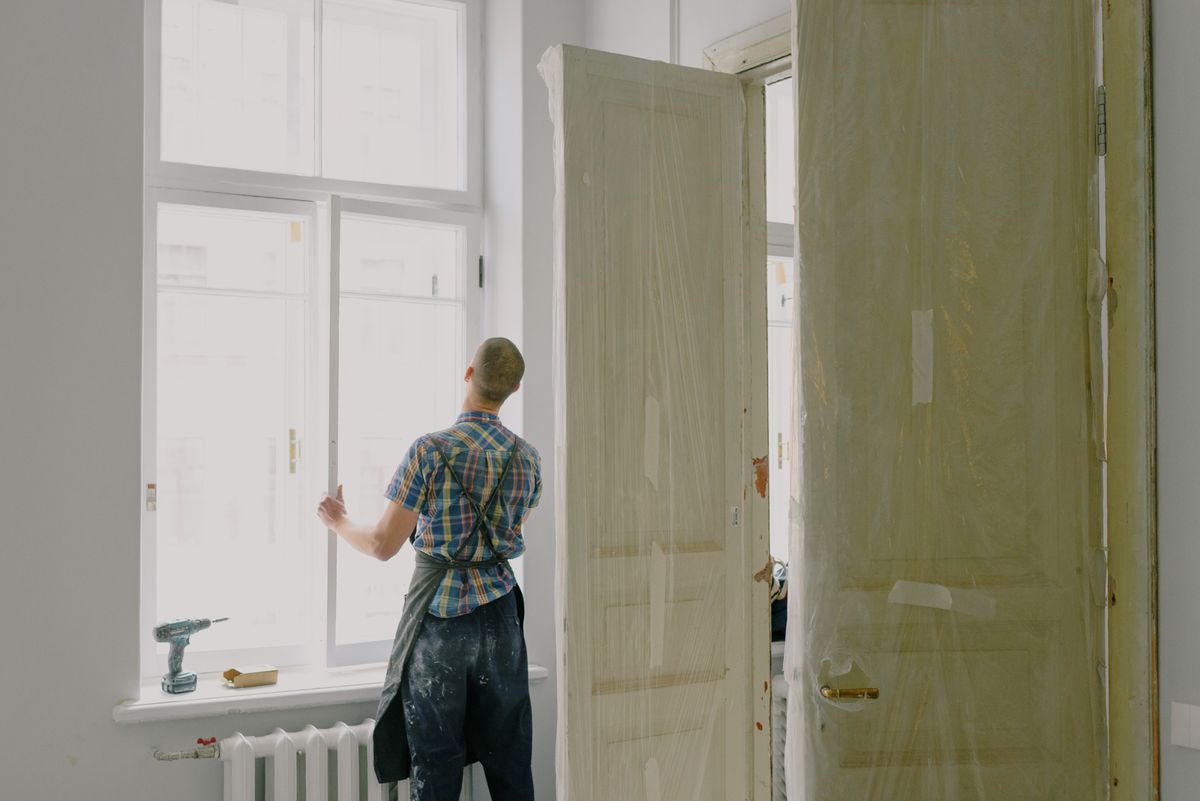
Complete with confidence
Schedule inspections, work through the punch list, confirm final costs, upload warranties, and formally accept completion.
Inspections
Pre-work, mid-project, electrical, plumbing, completion, and defect inspections
Punch List
Track defects by room with severity, evidence, and owner approval
Warranties
Provider, scope, dates, terms, and claim instructions in one place
Property Passport
Push completed work, photos, and documents into permanent property history
Build connects to every StayMohr product
Start with structure, not a blank page
Templates provide suggested phases, scope prompts, professional types, and document checklists. They are starting points — not technical prescriptions.
Professional review is recommended before relying on any template as a construction plan.
Where Build fits
Each StayMohr product handles a different part of the property journey.
Contractors, architects, and specialists
StayMohr Build connects property owners with qualified professionals through the Services marketplace. Receive structured project scopes, respond with quotes, and manage your work within the project workspace.
Join as a ProfessionalReady to build?
Start a project from your property, Studio design, or a blank scope. StayMohr Build keeps everything organized from first measurement to final inspection.